What Is SpotDifference.online?
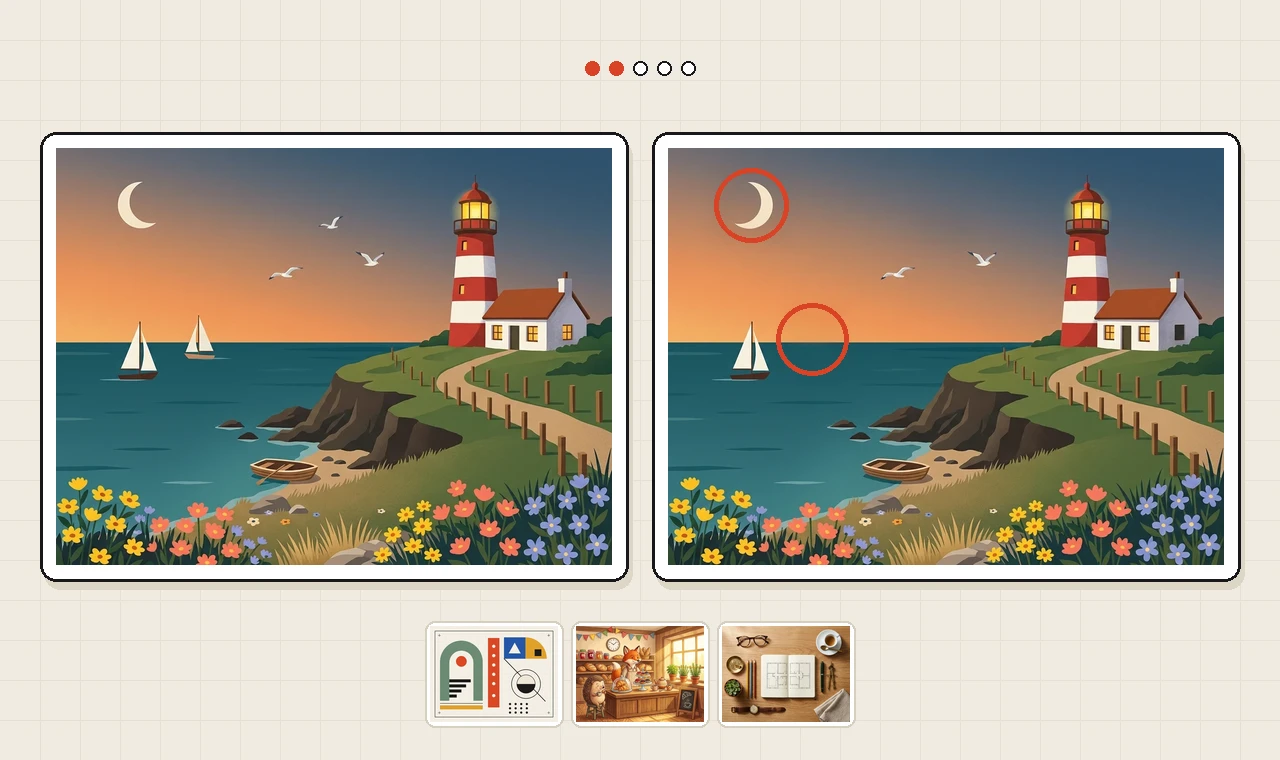
SpotDifference.online is an independent free online spot the difference puzzle gallery where two pixel-aligned artworks sit side by side and challenge you to uncover five deliberate visual changes. Instead of rushing you through cluttered screens or blurry snapshots, every pair is crafted cleanly—an inverted geometric triangle, a missing wooden oar, a lit stone lantern, or a swapped watch gear—so your score depends strictly on sharp observation.
Because the game runs directly inside your web browser, you can play spot the difference in seconds with no app installation, no account signup, and no paywall. All twelve curated gallery artworks and the rotating daily spot the difference puzzle are playable immediately on desktop, tablet, and mobile screens.
How to Play Spot the Difference Online
- Press Play SpotDifference above to open the twin-frame puzzle board directly in your browser.
- Compare the left and right pictures (or top and bottom frames on portrait phones) to find five altered details.
- Click or tap directly on a difference in either frame to circle it on both images and light up one progress dot.
- Scan carefully before clicking—tapping an unchanged spot logs a mistake and adds a five-second penalty.
- Click Hint in the top bar anytime you get stuck to pulse a golden ring around one unfound difference.
Explore Four Curated Gallery Wings
Most sites reuse a single visual look across every puzzle. SpotDifference.online curates four contrasting exhibition wings—you can browse all twelve spot the difference pictures, relax with easy spot the difference pictures, or challenge our hard spot the difference puzzles:
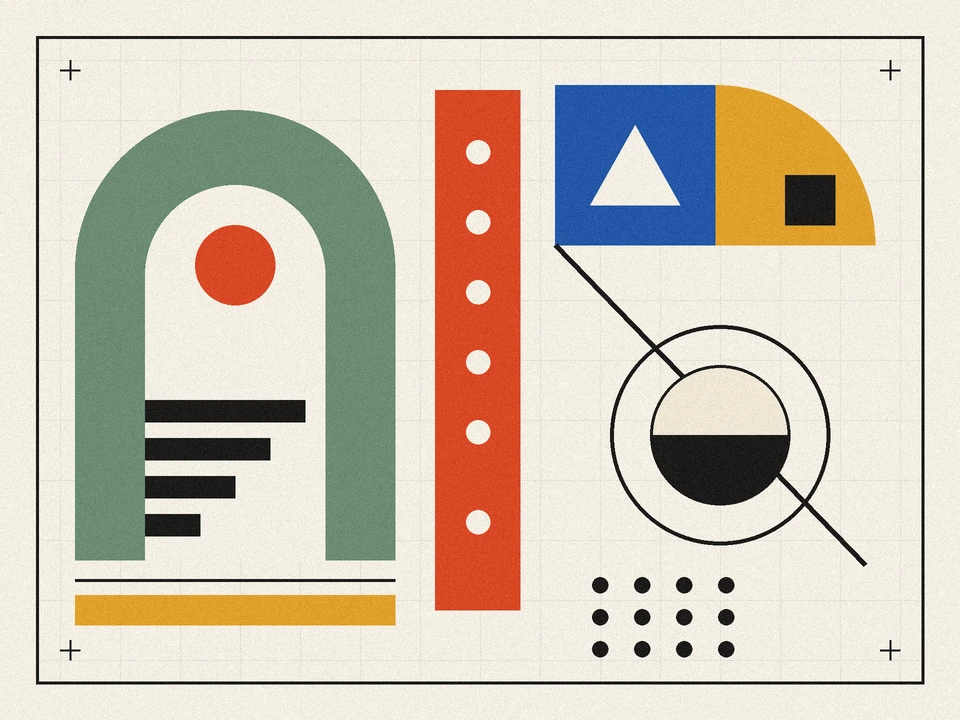
- Abstract (Bauhaus Study No. 4, Mid-Century Rhythm, and Constructivist Proof No. 9): Clean modernist prints built from arches, kinetic dials, stepped bars, and dot matrices where orientation flips and subtle hue swaps test pattern focus.
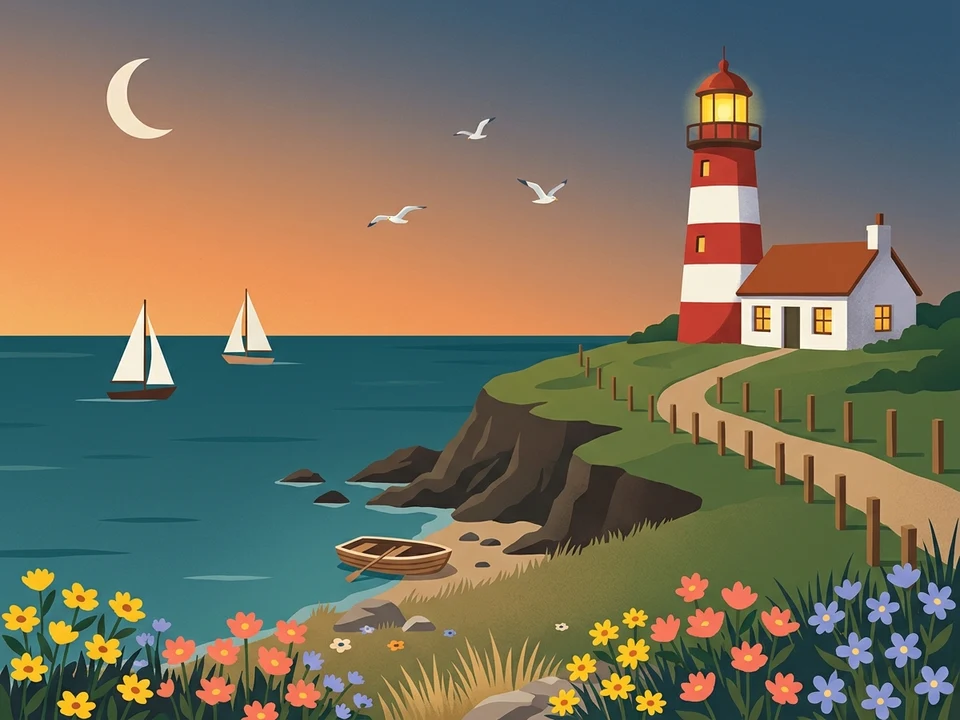
- Landscapes (Cliffside Lighthouse at Dusk and Kyoto Autumn Canal): Atmospheric editorial illustrations where twilight skies, sailboats, glowing windows, lanterns, and water reflections hide subtle shifts.
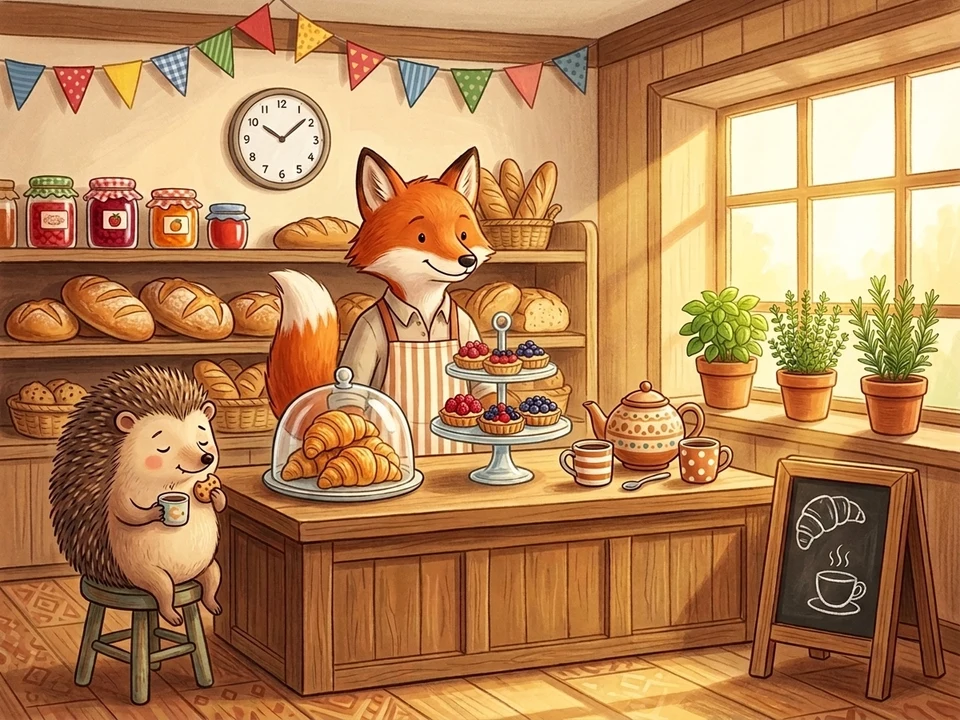
- Animals (Fox's Morning Bakery, Cat Library Afternoon, and Otter's Glass Conservatory): Cozy storybook worlds packed with charming characters, pastries, bookshelves, greenhouses, and lively everyday props.
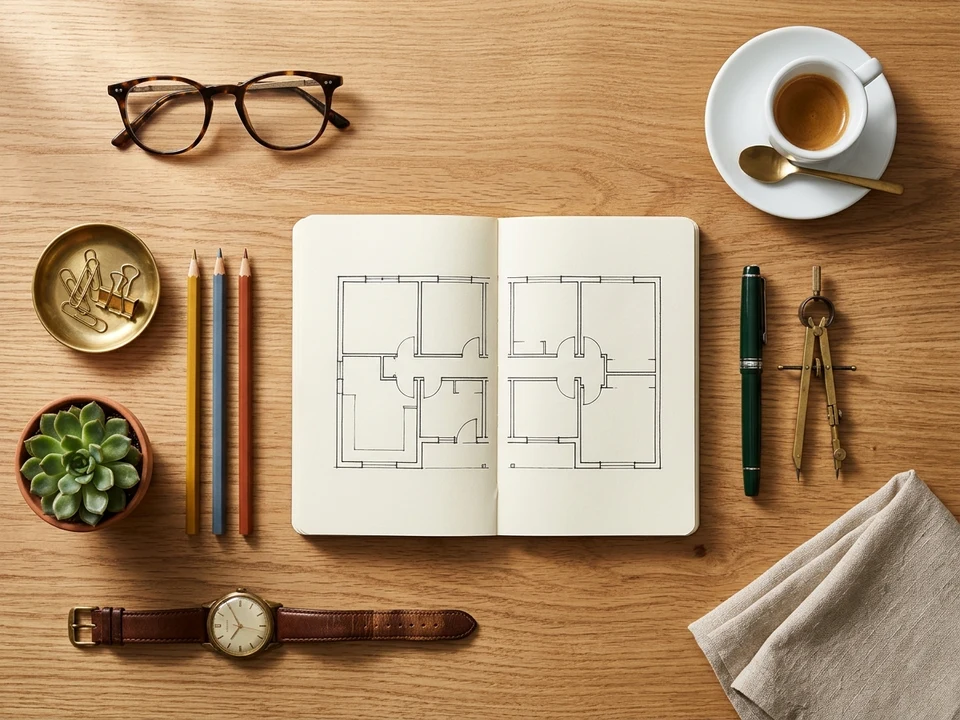
- Realistic (Architect's Morning Desk, Botanical Market Table, Watchmaker's Workbench, and Botanical Apothecary Shelf): Tack-sharp studio flat-lays where tiny physical objects—a watch gear, a buckle prong, a cork stopper, or a butter knife—vanish or change finish.
Proven Strategies to Spot the Difference Faster
If you want to cut your completion time on medium and hard artworks, treat every twin frame like a print proof rather than gazing vaguely at the center:
- Scan in four quadrants: Divide the artwork mentally into top-left, top-right, bottom-left, and bottom-right. Finish one quadrant completely before moving clockwise so you never re-check the same corner twice.
- Count repeating objects first: Whenever you see a row of windows, bunting flags, pencils, apothecary vials, or flower pots, count them in both frames. Missing items and color swaps jump out immediately when counted.
- Check edges, skies, and corners: Subtle clues often hide along the outer third of a frame—a moon angle, a distant bird, a ladder wheel, or a table edge—where casual eyes rarely linger.
- Use the synchronized cursor on desktop: Park your pointer on a suspect item in the left frame and glance immediately at the red ring's exact position in the right frame to verify shapes, shadows, and colors side by side.
- Compare small internal details last: Once larger missing items are cleared, inspect clock hands, watch dials, barometer needles, and fine linework inside framed prints.
Six Difference Types You Will Encounter
| Difference Type | Real Gallery Examples | Common Player Mistake |
|---|---|---|
| Missing Object | Wooden rowboat oar, brass espresso spoon, leather buckle prong, butter knife | Scanning only large focal characters and overlooking small resting props |
| Color or Finish Swap | Green fountain pen turned cobalt blue, matcha vial turned golden turmeric, steel watch gear turned brass | Assuming similar-brightness colors match without checking both frames side by side |
| Flipped or Rotated Shape | Crescent moon opening reversed, white triangle flipped upside down, blue corner wedge inverted | Recognizing the same shape is present while missing its changed orientation |
| Changed Internal Detail | Wall clock moved to 6:00, wristwatch hands set to 9:15, sleeping cat eyes opened, barometer needle turned | Checking the outer silhouette of a clock or character without looking inside it |
| Added or Removed Accent | Yellow maple leaf on stepping stone, white dot removed from red pillar, chalk steam lines erased | Ignoring open sky, water, or flat background surfaces where small marks disappear |
| Lighting or Glow Shift | Cottage window darkened, carved stone lantern lit with amber candle glow, hanging lantern hue shifted | Mistaking intentional lighting changes for screen glare or display contrast |
Daily Puzzles, Saved Progress, and Leaderboards
SpotDifference.online includes a dedicated daily spot the difference puzzle that rotates to a featured gallery artwork each calendar day. Your completed artworks and personal best times save automatically in your browser through anonymous session storage—no login or email address is needed. When you uncover all five differences, your final time posts to the Daily or Gallery fastest-curator leaderboard (lowest time wins) and gives you a one-click Copy Result button so you can challenge friends to beat your pace.
Built for Both Desktop and Mobile Screens
On laptops and wide monitors, SpotDifference.online displays the twin artworks side by side with a dedicated Fullscreen toggle right beneath the stage for distraction-free focus. On smartphones and narrow screens, the frames stack cleanly one above the other with zero horizontal scrolling and generous touch hit zones, letting you finish a full round comfortably with one hand. Having display or loading trouble? Follow our 6 quick browser fixes.
Be the first to sign the gallery guestbook — share which artwork took you the longest to crack.